

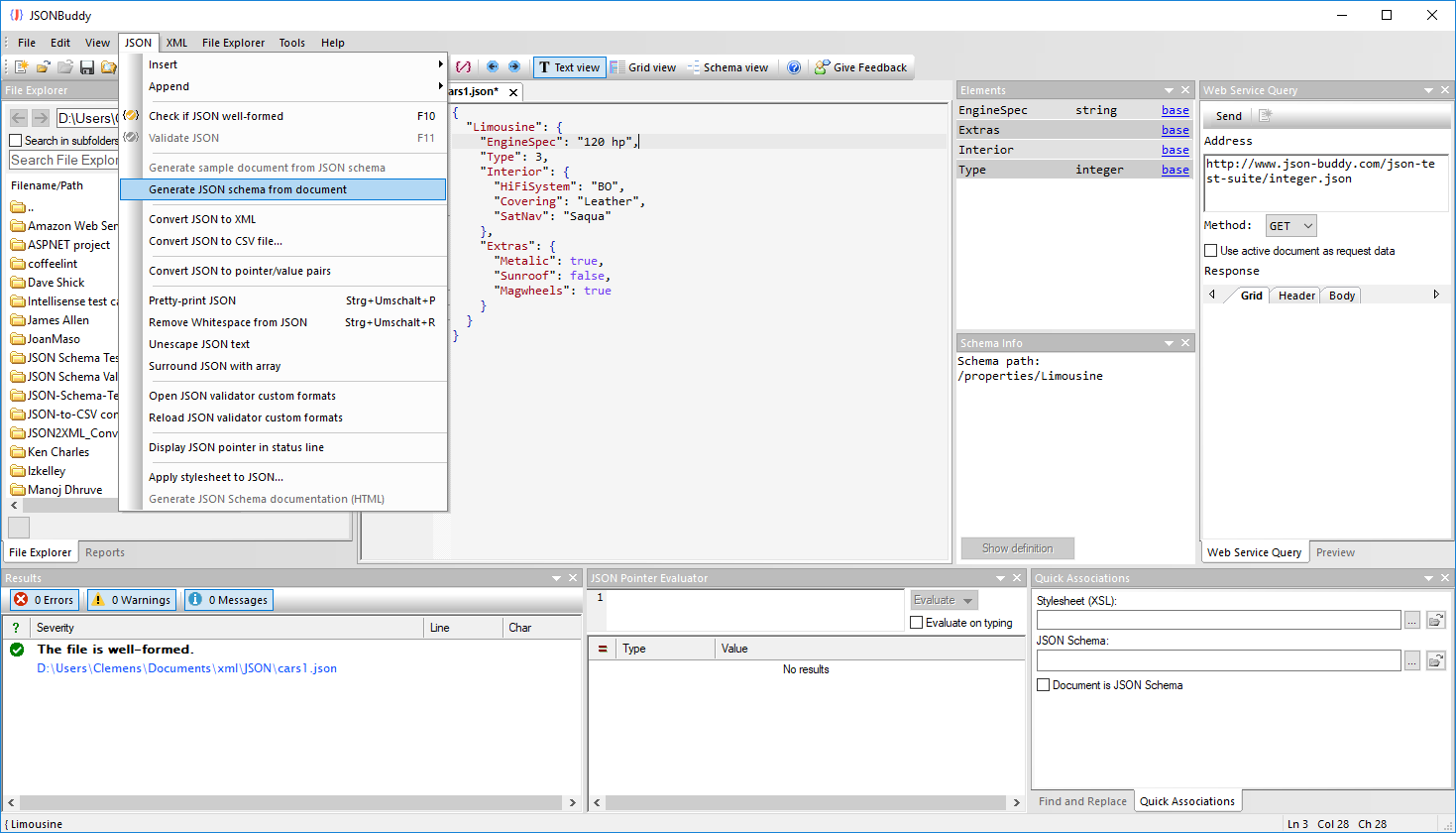
Create a starter schema from JSON data
When a JSON instance already expresses the structure you need to model, the built-in generator can create a basic JSON Schema without retyping every property and obvious type. It is a starting point for review, not proof that all allowed and required cases have been captured.
Run the generation command
- Open the source JSON data in JSONBuddy; the workflow supports either text or grid view.
- Choose JSON | Generate JSON schema from document.
- Review the new schema document, its inferred basic types, and its generated definitions.
- Add the constraints, descriptions, examples, and test cases needed for the actual data contract.
Review the generated draft, naming, reused structures, arrays, null handling, and required properties before using the schema.
Understand background generation separately
Do not treat that assistance as an explicit saved schema or as a substitute for assigning, reviewing, and validating the intended contract.
Move from a draft to a verified contract
Continue in the JSON Schema editor, assign the reviewed schema to representative data, then use the JSON Schema tester to exercise it with a collection.