Validate in streaming mode
Check JSON syntax or validate against a JSON Schema while processing the input as a stream.
Explore batch validation
Validate and process large JSON
Validate very large JSON documents, inspect precise diagnostics, navigate directly to a finding, and automate recurring checks.
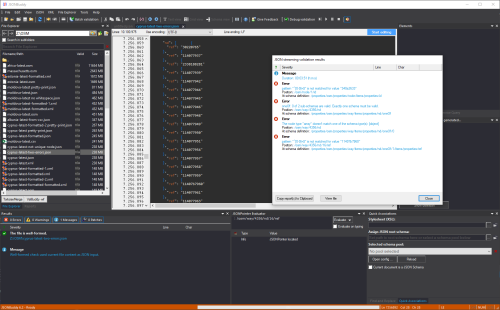
Validate, analyze, and continue
When a file is too large for an ordinary editor, use streaming validation and focused navigation to find problems without loading the complete document into memory.
Check JSON syntax or validate against a JSON Schema while processing the input as a stream.
Explore batch validationGenerate a JSON Schema from large input to inspect the properties, types, and structures present in the data.
Explore schema analysisUse line information and JSON Pointer paths from the validation report to open the relevant value in the large-file editor.
Explore the large JSON editorA typical workflow
Desktop and automation
Use the Windows application to view large files, inspect diagnostics, design schemas, and make targeted edits. Use the command-line tool for server, batch, and automated validation tasks.