JSON data CLI Skill for AI Agents
The JSONBuddy CLI skill enables AI coding agents to run valbuddy.exe through reusable, agentic scripts for schema validation, well-formedness checks, JSON formatting, and batch settings workflows. This skill integrates the powerful JSONBuddy validation capabilities directly into agent-driven development environments, allowing automated quality checks and validation workflows to be executed seamlessly as part of your AI-assisted coding sessions.
Whether you're working with JSON Schema validation, XML document validation, or need automated formatting and quality assurance for structured data files, the ValBuddy CLI skill provides a standardized interface for AI agents to invoke these operations on your behalf.
Cross-Agent Portability
In practice, the ValBuddy CLI skill is portable mainly to tools that support the emerging Agent Skills / SKILL.md pattern. This pattern has been gaining traction across the AI coding agent ecosystem as a standardized way to extend agent capabilities with reusable, discoverable components.
OpenAI Codex supports skills as folders with a required SKILL.md file plus optional scripts and references. The SKILL.md file describes the skill's capabilities, usage instructions, and interface contract, allowing Codex to understand and invoke the skill appropriately.
The good news is that other major coding agents now support the same general skill concept:
- Claude Code supports skills via SKILL.md, and Claude can use them automatically or via direct invocation. Claude's implementation follows the same pattern of reading the SKILL.md file to understand skill capabilities and executing associated scripts when needed.
- GitHub Copilot also supports agent skills built around SKILL.md plus optional scripts and resources. GitHub explicitly describes Agent Skills as an open standard intended to work across multiple agents, promoting interoperability and reusability in the AI-assisted development ecosystem.
This cross-agent compatibility means you can invest in creating and refining skills like ValBuddy CLI with confidence that they will work across your team's preferred AI coding tools, making validation workflows consistent regardless of which agent platform developers choose to use.
Install and Configure
To install the ValBuddy CLI skill for Codex, run the following commands in PowerShell. The installation script will download the skill from GitHub and place it in your Codex skills directory. After installation, you'll need to set the VALBUDDY_EXE environment variable to point to your valbuddy.exe installation path.
python "$env:CODEX_HOME\skills\.system\skill-installer\scripts\install-skill-from-github.py" --repo Clemens-U/jsonbuddy --path skills/valbuddy-cli

$env:VALBUDDY_EXE="Z:\Software\JSONBuddy_7_4_4\valbuddy.exe"
For cmd.exe:
set VALBUDDY_EXE=Z:\Software\JSONBuddy_7_4_4\valbuddy.exe
The environment variable ensures that the skill can locate your valbuddy.exe installation regardless of where you've installed JSONBuddy on your Windows system.
Key Features
The ValBuddy CLI skill provides a comprehensive set of validation and formatting capabilities that AI agents can invoke programmatically:
- JSON Schema Validation: Validate JSON documents against JSON Schema definitions, ensuring data structure compliance and catching validation errors early in your workflow.
- XML Schema Validation: Validate XML documents against XSD schemas, DTDs, and other XML validation standards.
- Well-Formedness Checks: Quickly verify that JSON and XML files are properly formed before attempting more complex operations.
- Automated Formatting: Pretty-print and format JSON documents with consistent indentation and style.
- Batch Processing: Execute validation operations across multiple files in automated workflows.
- CI/CD Integration: Integrate validation checks into continuous integration pipelines through agent-driven scripts.
Documentation and Resources
The following resources provide comprehensive information about using the ValBuddy CLI skill with AI coding agents. The agent recipes document includes practical examples and workflow patterns, while the CLI contract specification defines the complete interface and capabilities.
- Skill folder - Complete skill package including SKILL.md and all supporting files
- Agent recipes - Practical examples and workflow patterns for common validation scenarios
- CLI contract - Technical specification of the command-line interface and available operations
A formal test matrix publication is planned and will be linked when available, documenting compatibility testing results across different agent platforms and operating system configurations.
Take a detailed look at some other features of JSONBuddy
JSONBuddy is more than just a JSON editor for Windows ®. Learn more on clicking the images and links below.
JSON validation debugger
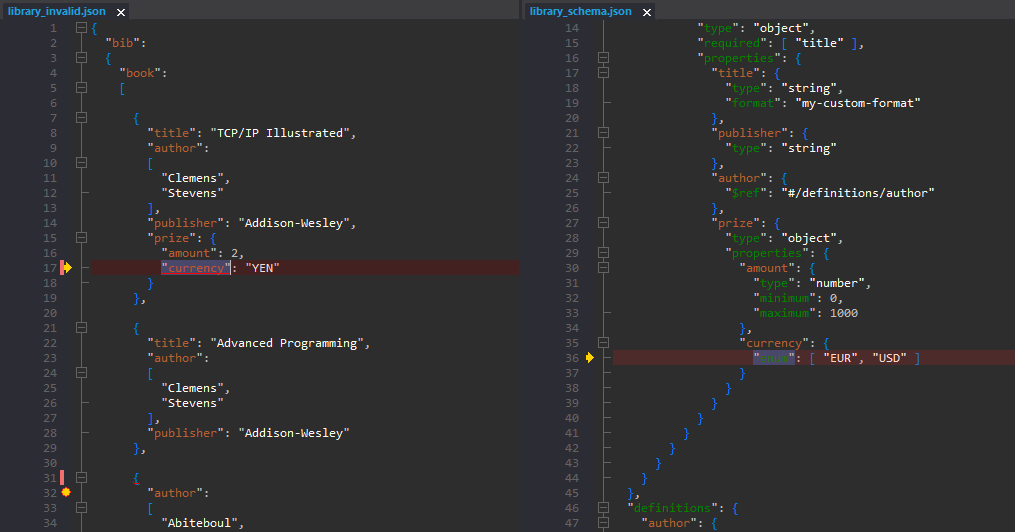
See in detail how your JSON data is validated using the JSON Schema validation debugger.
Try here
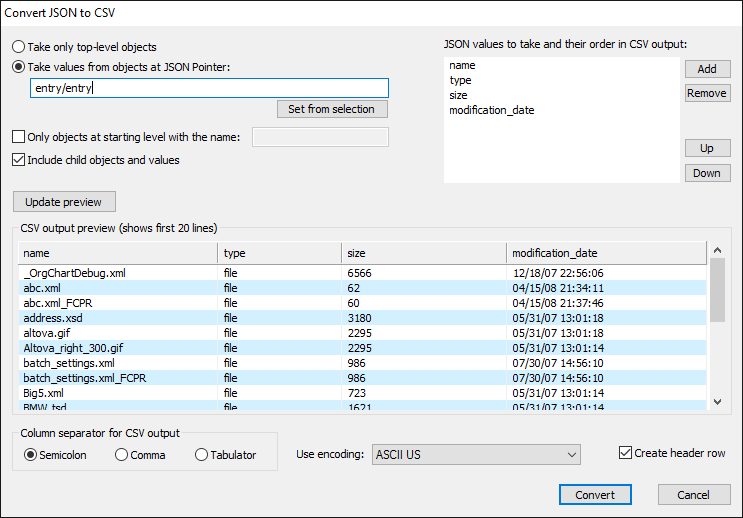
Convert JSON to CSV
XML, JSON, CSV and HTML conversion tool. Import CSV text and get JSON, XML or HTML.
Read More
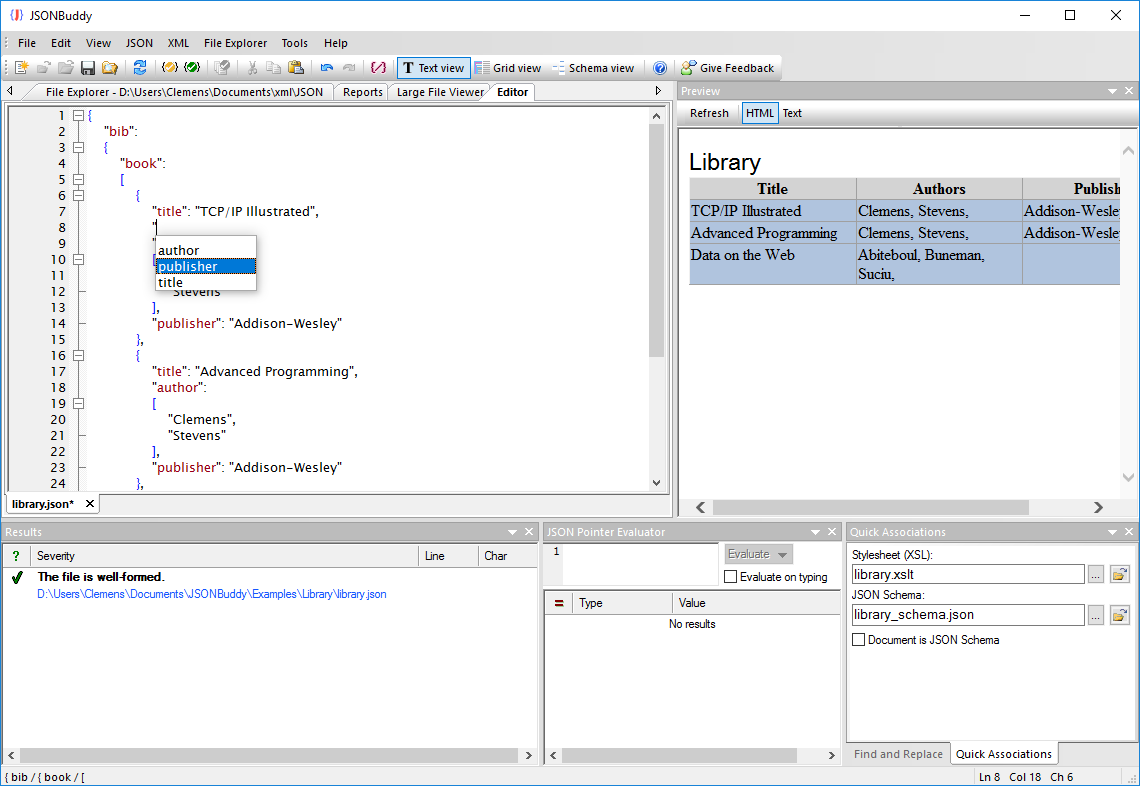
Prettify JSON of any size
Use the streaming JSON formatter to get pretty JSON.
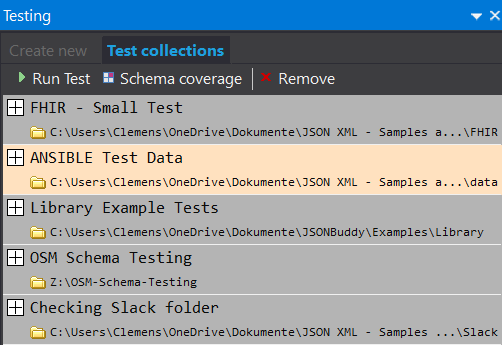
JSON Schema Testing Tool
Verify how a set of data files align with your JSON Schema resources. Easy and automated.
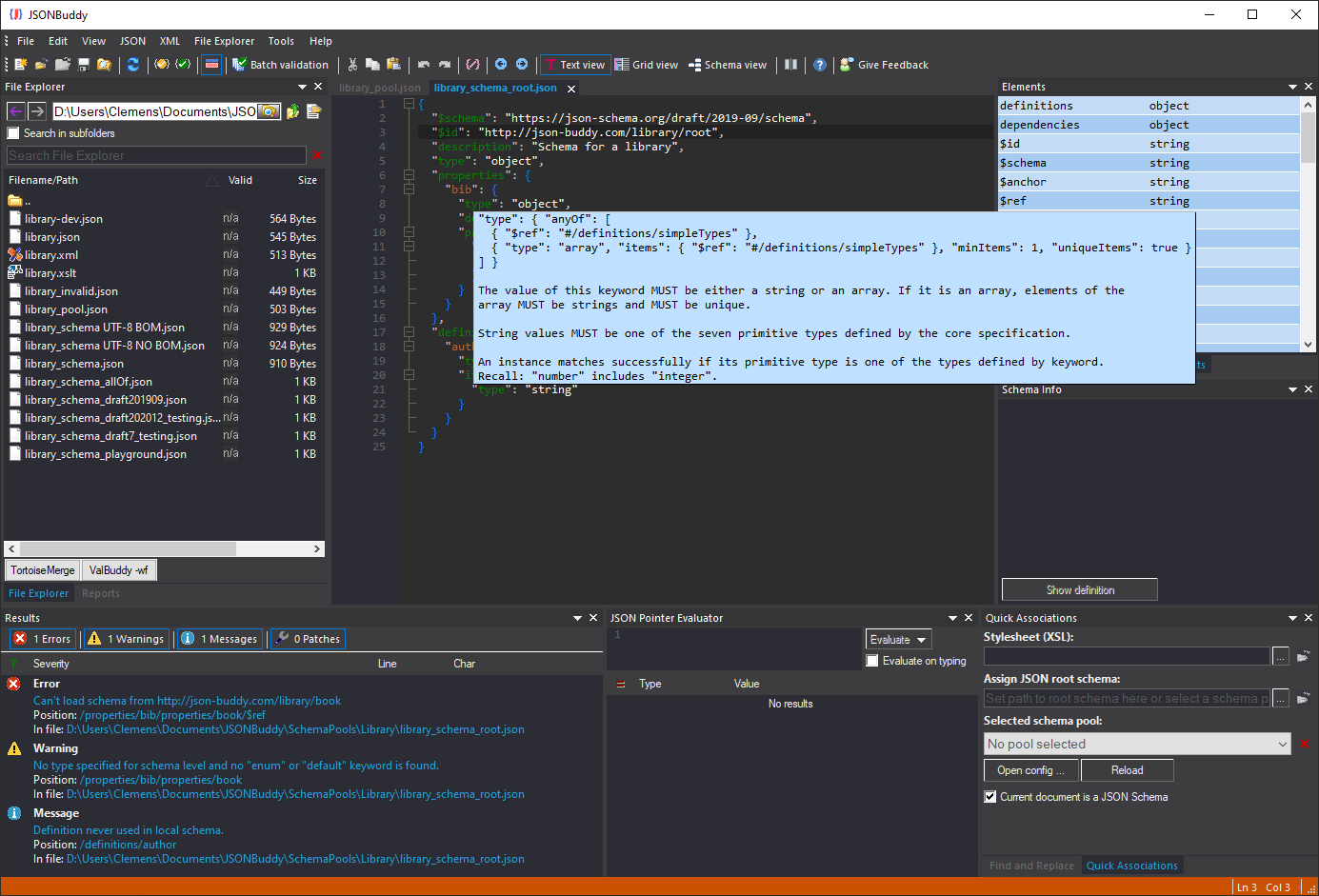
JSON Schema editor
Get a complete JSON Schema designer with extended support for creating and testing JSON schema specifications.
Read More
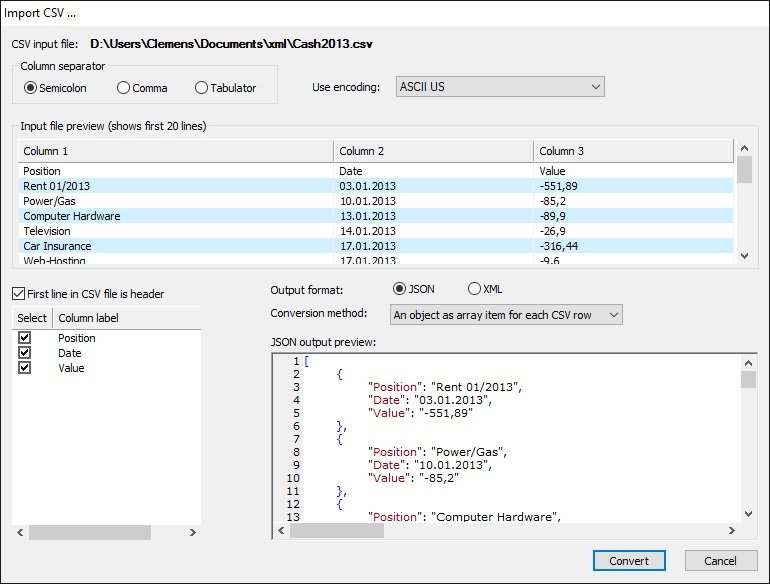
Import CSV text
Import from any CSV text and get structured JSON or XML data in the editor.
Read More
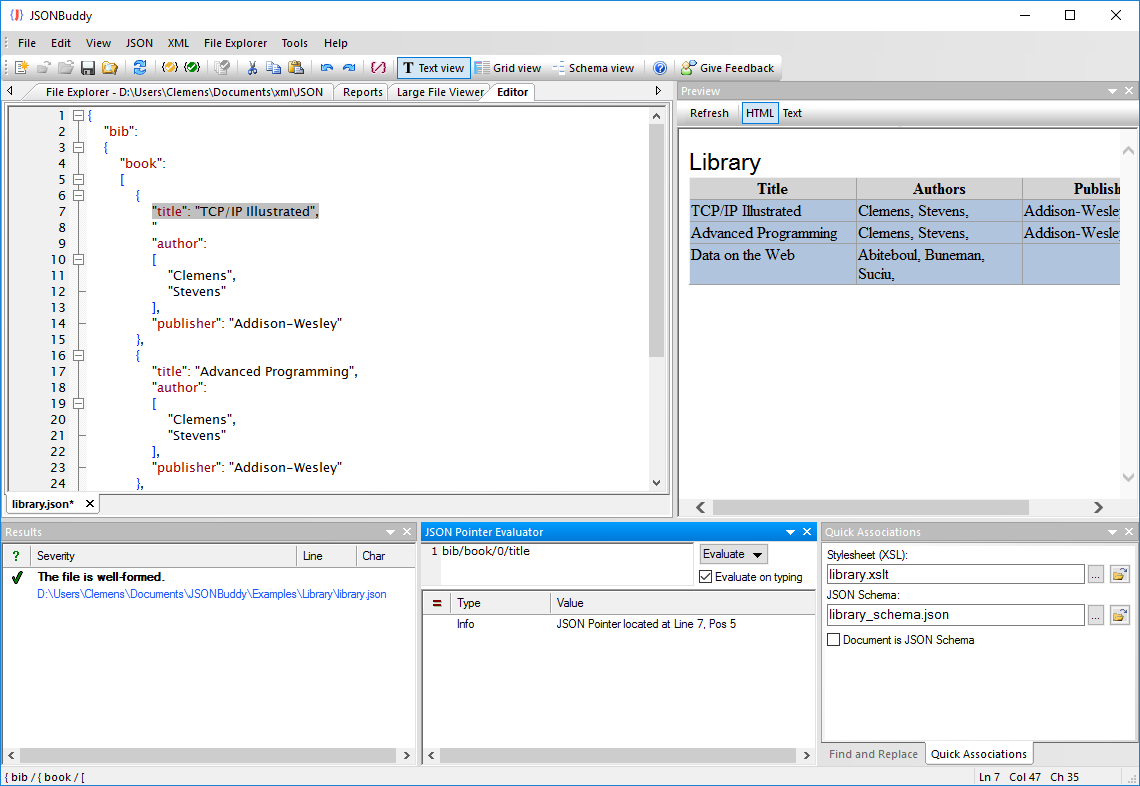
JSON Pointer
JSON editor with built-in JSON pointer engine. Useful on creating JSON Schema documents and for navigation.