JSONPatch Builder and Debugger for Windows
JSONBuddy includes an interactive JSONPatch Builder and Debugger pane for creating, testing, and applying JSONPatch operations directly inside the desktop editor. Build an ordered patch list, run it against the active JSON document, and inspect the result step by step without switching tools.
Build JSONPatch operations with less manual typing
The JSONPatch pane gives you a structured editor for standard JSONPatch array documents. Add operations, delete operations, reorder the list, and edit the fields that matter for each operation.
- Create ordered JSONPatch operation lists directly in JSONBuddy.
- Edit
op,path,from, and JSONvaluefields per operation. - Move operations up or down to control the exact execution order.
- Load and save standard JSONPatch array documents for reuse and sharing.
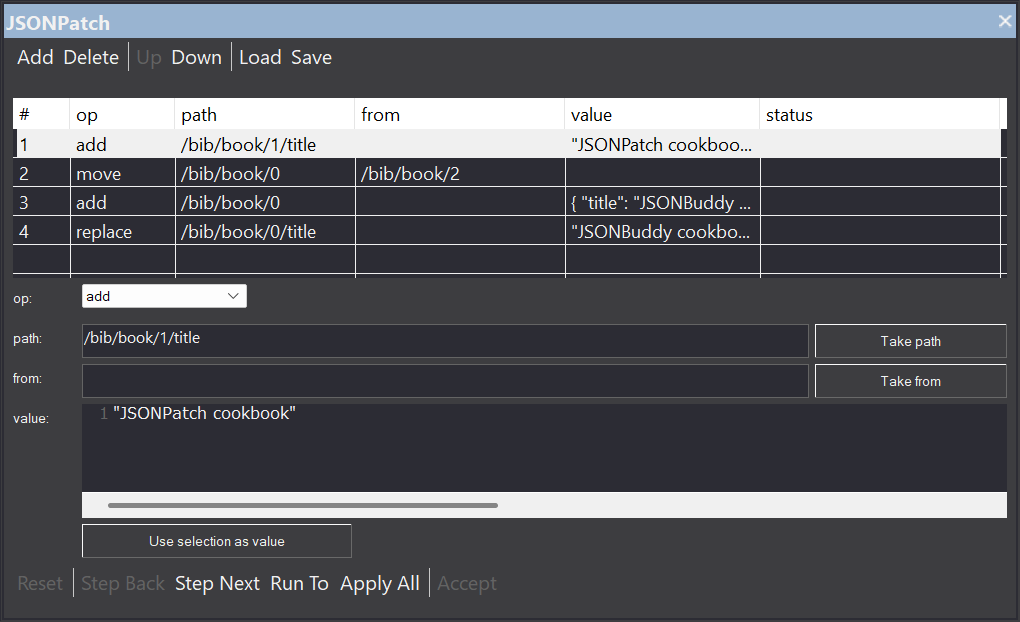
The JSONPatch Builder and Debugger is available as a dockable pane in JSONBuddy for Windows.
Step through JSONPatch changes like a debugger
JSONPatch operations are executed sequentially from top to bottom, preserving the list order. The debugger-style controls make patch testing safer and easier to understand, especially when a later operation depends on changes made by an earlier one.
Move through the patch
- Reset returns the debug session to the starting point.
- Step Next applies the next JSONPatch operation.
- Step Back uses the active editor undo stack.
Run at your own pace
- Run To executes operations up to the selected row.
- Apply All applies every remaining operation.
- Accept keeps the current patched document result.
See what happened
- Operation status shows which steps were applied and which one is next.
- JSONBuddy stops on the first failed operation so you can inspect the issue.
- The editor moves the cursor or selection to the current patch position where possible.
Use the active JSON selection while building patches
Writing JSON Pointers by hand is powerful, but it is also easy to mistype a segment. JSONBuddy connects the patch builder to the active editor selection so you can create operations from the JSON data you are already inspecting.
- Take the selected JSON value's JSON Pointer for the operation
path. - Take the selected JSON value's JSON Pointer for the operation
from. - Use the selected JSON text or value as the operation
value.
Example workflow
- Select a value in the active JSON document.
- Use the pane helper to fill
path,from, orvalue. - Step through the patch and review each document update.
- Accept the final result when the operation list behaves as expected.
Designed for safe JSONPatch experimentation
The JSONPatch Builder and Debugger tracks the active patch session and protects it from unexpected document changes. If the JSON document changes outside the JSONPatch workflow, JSONBuddy warns you before continuing so you do not accidentally debug against a stale state.
Pane-driven undo and redo checkpoints are refreshed during legitimate Step Back and Step Next actions, so the safety checks stay useful without interrupting normal patch debugging. Operation edits, reordering, loading, reset, accept, and failed execution all update the pane state clearly.
Separate from generated validation fixes
The JSONPatch Builder and Debugger is an interactive editing and debugging pane for JSONBuddy. It does not replace the existing Results pane workflow for generated schema-validation fixes, and it is not part of XML ValidatorBuddy. XML ValidatorBuddy keeps its existing validation-fix workflows unchanged.
For the earlier file-based JSONPatch workflows, see Full JSONPatch support in JSONBuddy. For general editing features, visit the JSON editor for Windows page.
FAQ: JSONPatch Builder and Debugger
What is a JSONPatch document?
A JSONPatch document is a JSON array of ordered operations such as add, remove, replace, move, copy, and test. JSONBuddy can load, save, edit, and execute these standard JSONPatch arrays.
Can I step through JSONPatch operations?
Yes. Use Step Next, Step Back, Run To, Apply All, Reset, and Accept to test a patch operation list against the active JSON document.
Can JSONBuddy use the current editor selection?
Yes. The pane can take a JSON Pointer from the current selection for path or from, and it can use selected JSON text or a selected JSON value as the operation value.
Is this available in XML ValidatorBuddy?
No. The JSONPatch Builder and Debugger pane is available in JSONBuddy only. XML ValidatorBuddy keeps its existing validation-fix workflows unchanged.
Take a detailed look at some other features of JSONBuddy
JSONBuddy is more than just a JSON editor for Windows ®. Learn more on clicking the images and links below.
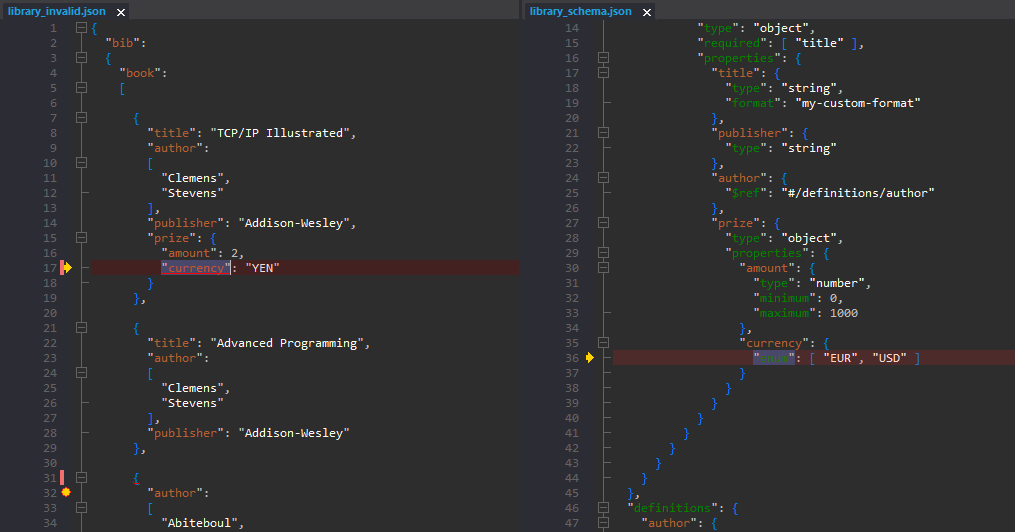
JSON validation debugger
See in detail how your JSON data is validated using the JSON Schema validation debugger.
Try here
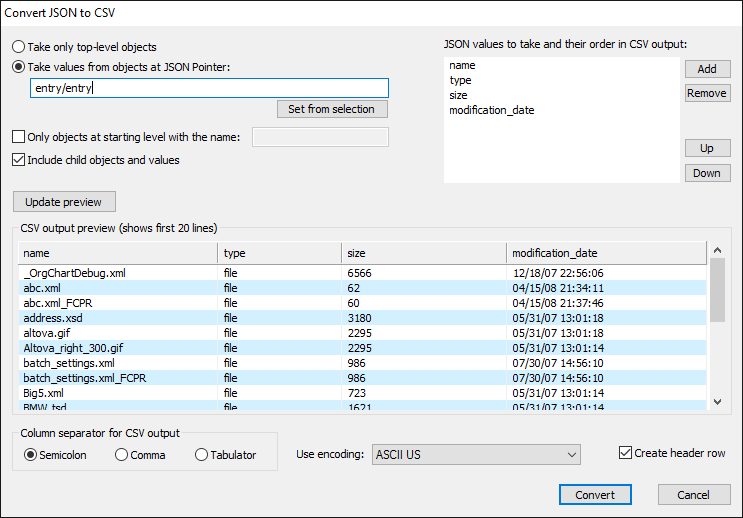
Convert JSON to CSV
XML, JSON, CSV and HTML conversion tool. Import CSV text and get JSON, XML or HTML.
Read More
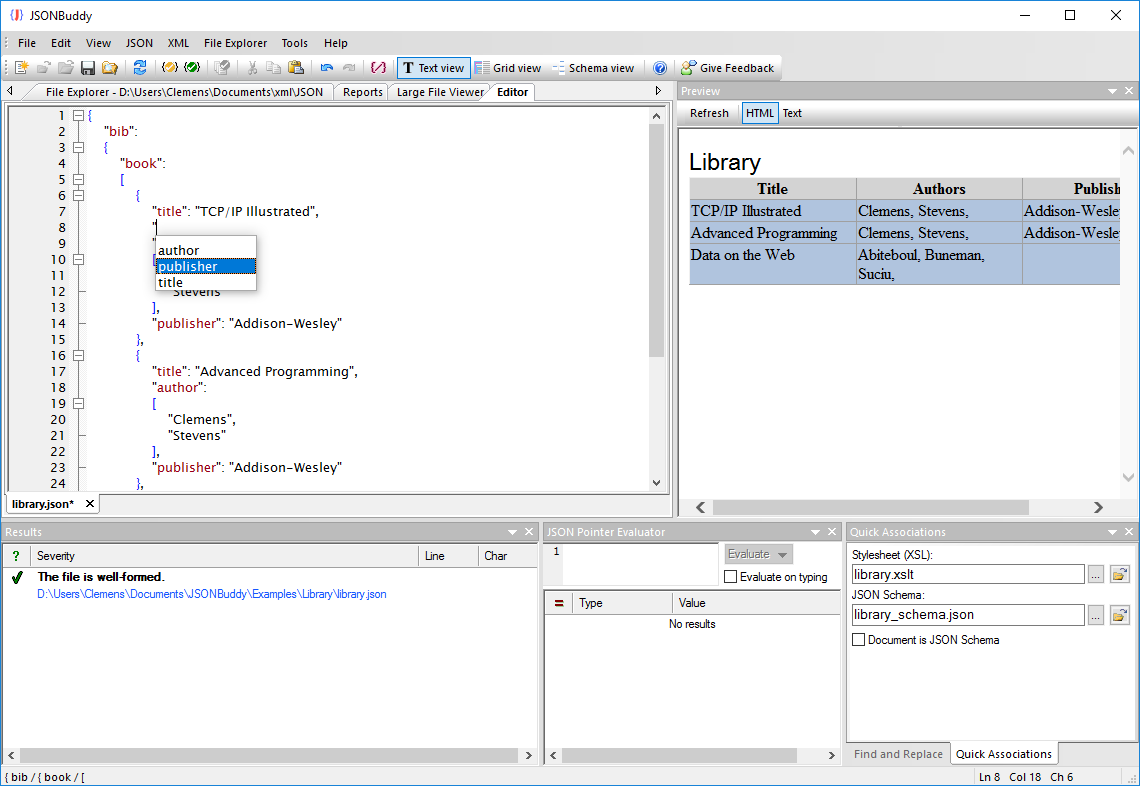
Prettify JSON of any size
Use the streaming JSON formatter to get pretty JSON.
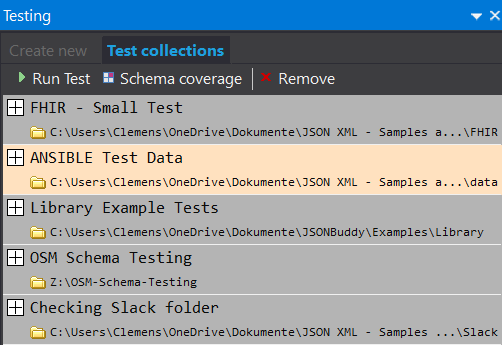
JSON Schema Testing Tool
Verify how a set of data files align with your JSON Schema resources. Easy and automated.
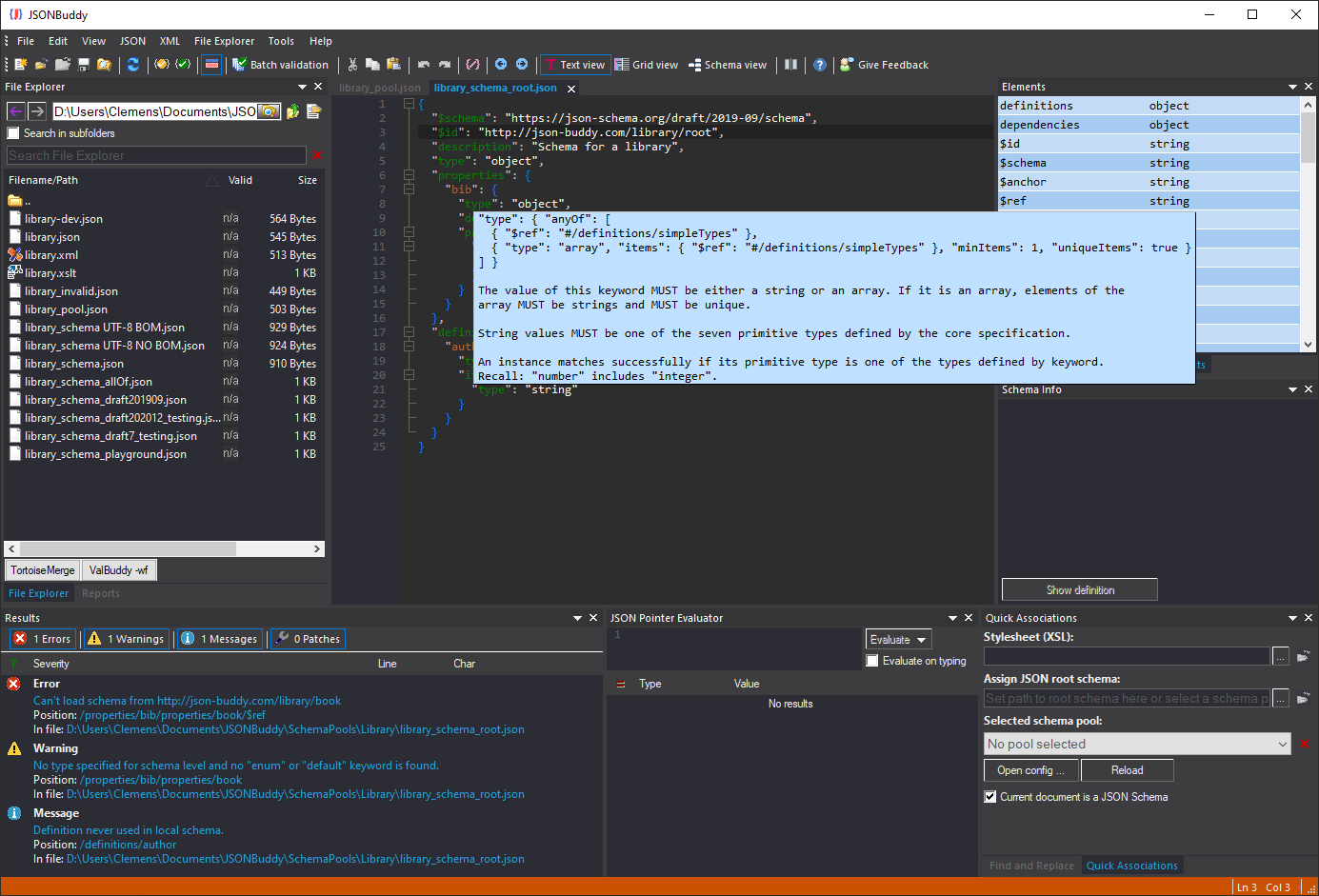
JSON Schema editor
Get a complete JSON Schema designer with extended support for creating and testing JSON schema specifications.
Read More
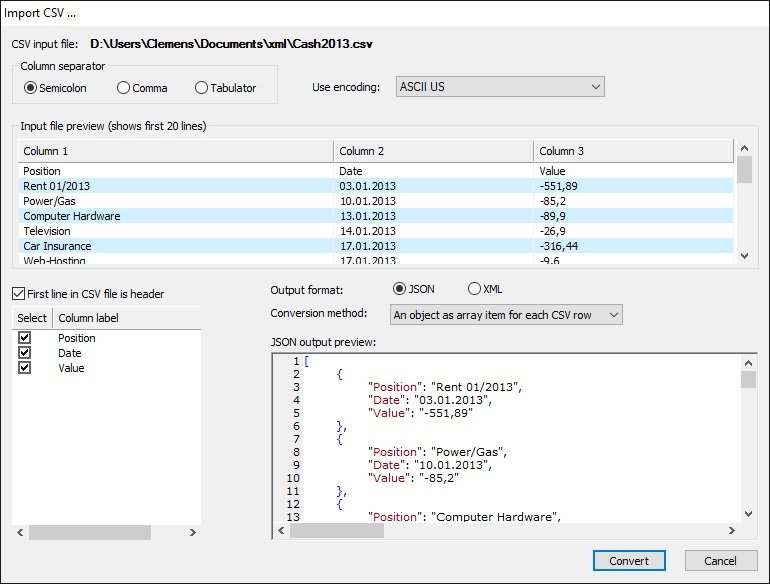
Import CSV text
Import from any CSV text and get structured JSON or XML data in the editor.
Read More
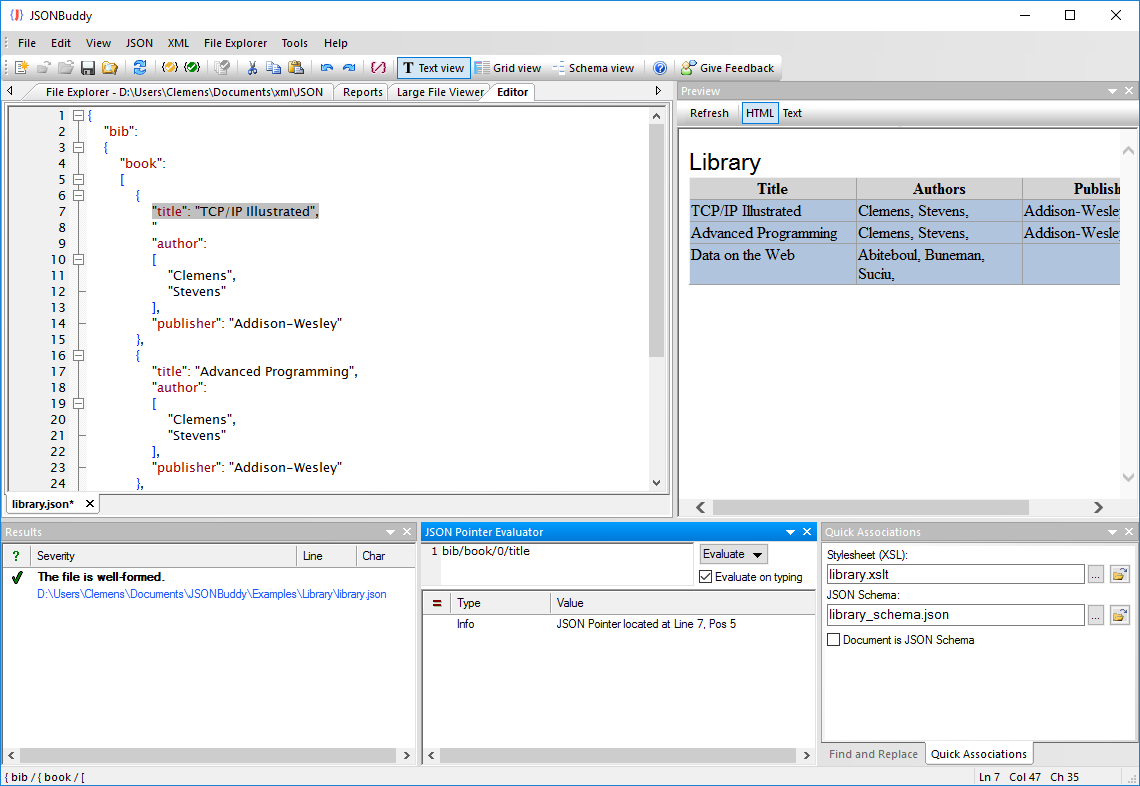
JSON Pointer
JSON editor with built-in JSON pointer engine. Useful on creating JSON Schema documents and for navigation.