

Choose spaces for indentation
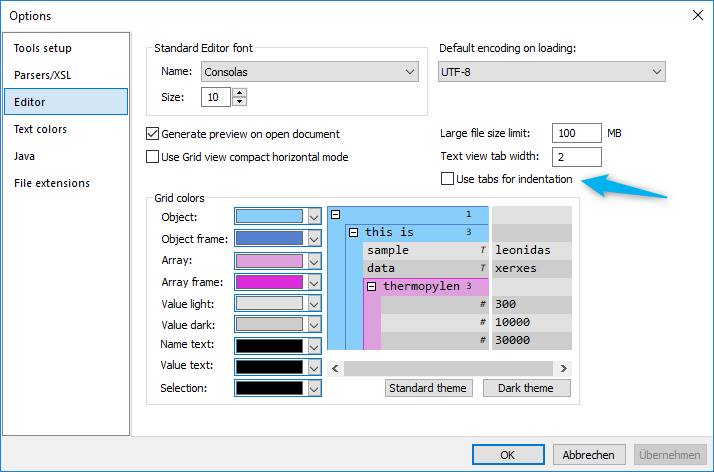
Open JSONBuddy options, select Editor, and clear Use tabs for indentation. Use the path, label, and number of spaces.
Understand what is not rewritten
The preference does not replace existing tabs. Editing may copy leading whitespace from the previous line, so mixed indentation can remain until deliberately normalized.
Check pretty-print and conversion output
The established article says the preference also controls JSON pretty-print and conversion output. Format a representative document, inspect its leading characters, compare its data with the source, and test each conversion path separately.
Verify the saved file
Create a nested sample, confirm new indentation uses spaces, pretty-print it, then save, reopen, and validate the JSON. Use a text comparison when a repository enforces whitespace conventions.
Keep formatting decisions explicit
Continue with the JSON prettify workflow, compare the before-and-after example, or consult the pretty-print Help topic.