

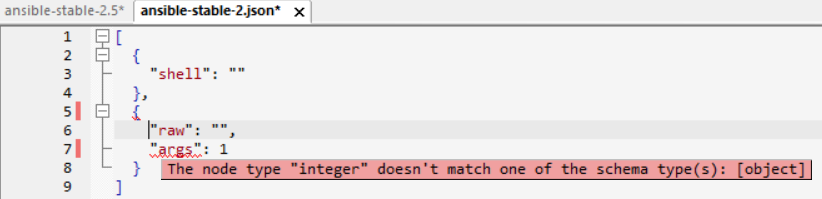
Treat a generated large schema as a review starting point
A JSON Schema generated from existing data can become a large starting document before it becomes a dependable specification. The example refers to a SchemaStore Ansible schema with more than 100,000 lines and 5 MB of JSON text. Treat those figures as documented example context, not a current limit or performance promise.
Edit the contract with readable evidence
The workflow describes syntax coloring, entry helpers, code folding, and context-sensitive specification help when working with a large schema. Use the editor to make a targeted change, inspect the affected definition, and keep the schema revision identifiable before relying on validation results.
Use analyzer findings as review signals
The established JSON Schema analyzer can report a local unused definition and can indicate whether a newly added $ref resolves. These signals help focus review but do not prove a schema is complete or correct for an integration. Inspect the referenced resource context and test representative instances.
Verify the product deliberately
- Open a representative large schema and valid and invalid JSON instances.
- Confirm loading, diagnostics, folding, entry assistance, and analyzer output in the Windows product.
- Review unresolved references and unused definitions with the intended resource context.
- Record the product build and test data with any support conclusion.
Continue with a tested schema workflow
Use the JSON Schema editor for the solution overview, JSON Schema analyzer for structural review, or schema-test collections for repeatable test evidence.